

nonprod, preprod, prod) and has its own pipeline of steps that must be completed before an agent is considered ready for that stage.
This keeps production deployments separated from development, gives teams visibility into what stage each agent version is at, and ensures the right checks happen before an agent reaches real users.
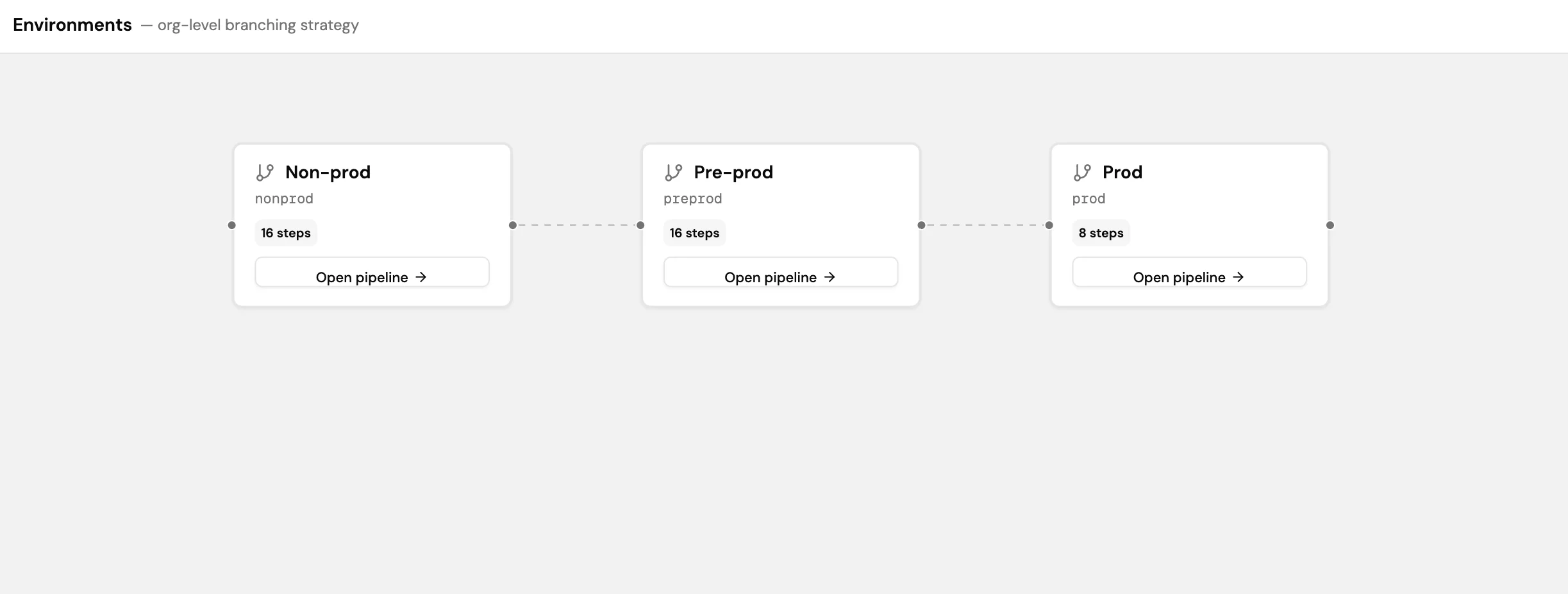
Creating an environment
- Go to Control Plane > Environments.
- Select Add branch to create a new environment.
- Give the environment a name and branch identifier.
- Select Save.
- Select Open pipeline on the new environment to define the steps and approval gates for that stage.